Managed IT & business services
Managed remote support, 24/7 security, cloud backup, disaster recovery, network design, and OS lifecycle planning.
Learn more ↗ ● 541-469-5902
Brookings · Gold Beach · Crescent City
Mainbrace keeps homes and businesses secure, connected, and on course—from everyday computer help to complete technology environments.
Brookings office703 Chetco Ave
Gold Beach office29284 Ellensburg Ave
Need help now?Start remote support →
Our offerings
Basic requests or complete technology environments—we bring practical guidance, careful installation, and long-term support.
Managed remote support, 24/7 security, cloud backup, disaster recovery, network design, and OS lifecycle planning.
Learn more ↗Computer repair, upgrades, cleanup, home networking, and hardware or accessories available in our coastal stores.
Learn more ↗Camera and security systems, complete office setups, server and storage infrastructure, and bespoke technical solutions.
Learn more ↗Our coastal communities
Visit our Brookings and Gold Beach offices for local computer help and business IT services. Crescent City and Del Norte County businesses can connect with our crew remotely.
Our corporate office at 703 Chetco Ave. Computer repair, managed IT, cybersecurity, backups, servers, and local network support.
IT support in BrookingsOur satellite office at 29284 Ellensburg Ave. Practical computer help, business technology support, Wi-Fi, Microsoft 365, and backup planning.
IT support in Gold BeachRemote business IT support for Crescent City and Del Norte County from our Southern Oregon Coast crew.
Remote IT support in Crescent CityMBT Cams
Local design, installation, and support for homes and businesses. We assess coverage, wiring, network capacity, storage, and remote-viewing goals before recommending a platform.
Plan my camera system ↗Choose the right platform
Both platforms keep recordings under your control. The best choice depends on your existing cameras, desired features, tolerance for customization, and plans for future growth.
Blue Iris is Windows-based video-management software for people who want broad camera compatibility and detailed control. It can bring many brands of network, USB, and supported analog cameras into one locally managed system.
UniFi Protect combines cameras, local recording hardware, and polished web and mobile apps in one coordinated system. It is designed to make live viewing, event review, notifications, and clip export straightforward.
Secure remote support
Only connect after speaking with a Mainbrace technician. You stay in control and can end access at any time.
Enter the temporary code provided by your technician.
For Windows 11 users with Quick Assist already installed. Open the app, then enter the security code supplied by your Mainbrace technician.
Open Quick Assist →If the button does not open the app, press Ctrl + Windows key + Q. Only approve access after confirming the technician.If your technician asks you to use AeroAdmin, download it from the official site and read the ID number to them.
Official AeroAdmin download ↗Windows only. Download after speaking with Mainbrace.Tell us what is happening. A technician will help choose the right next step.
Email the support team ↗Crew & contact
The Mainbrace crew supports clients from two Southern Oregon Coast offices.

President
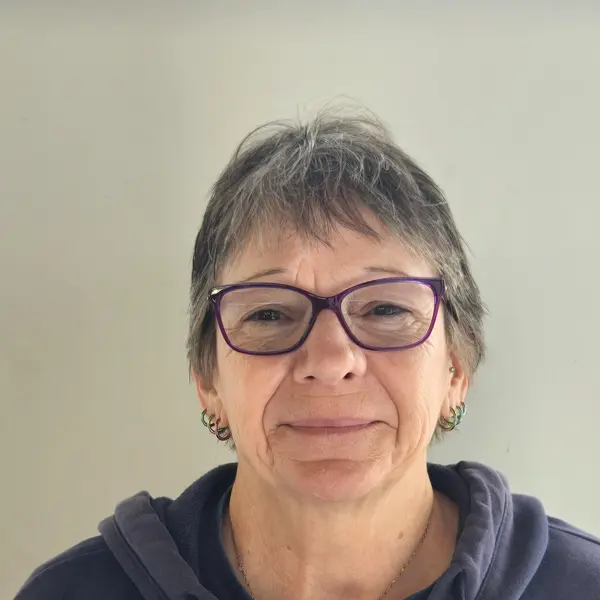
Vice President
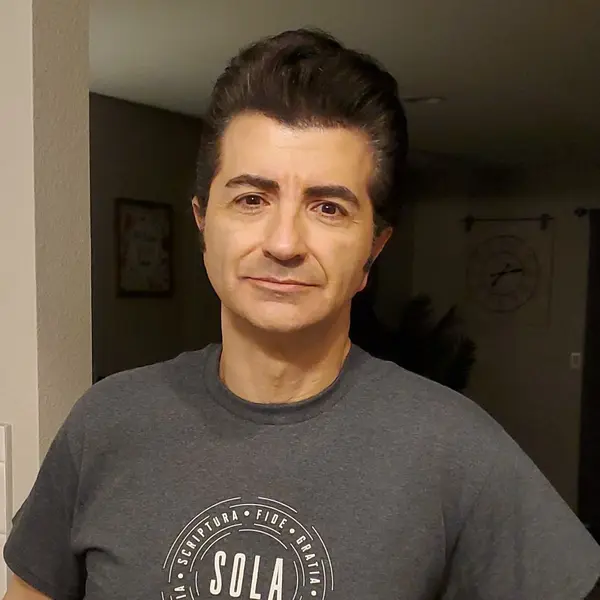
IT & Media Expert
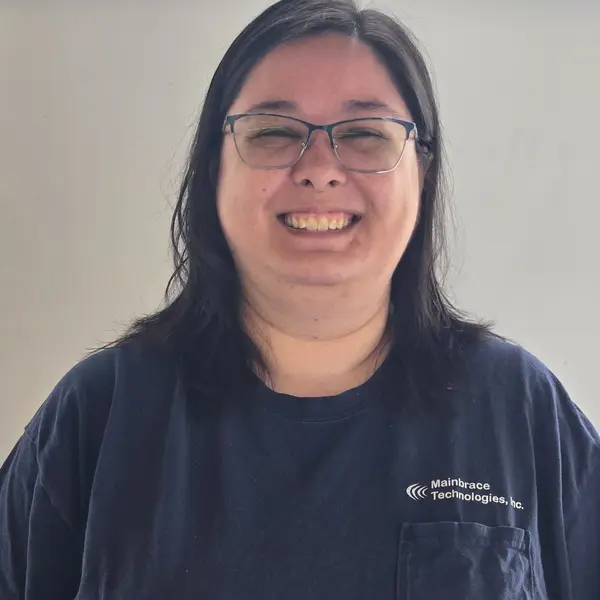
IT & Hardware Expert
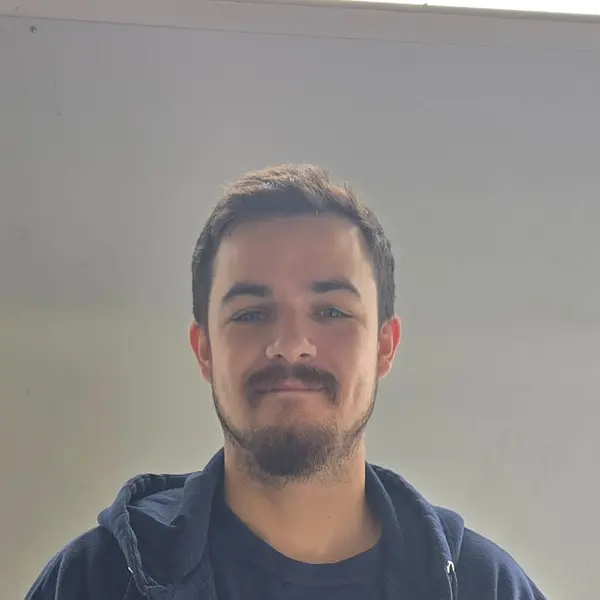
IT & Systems Specialist
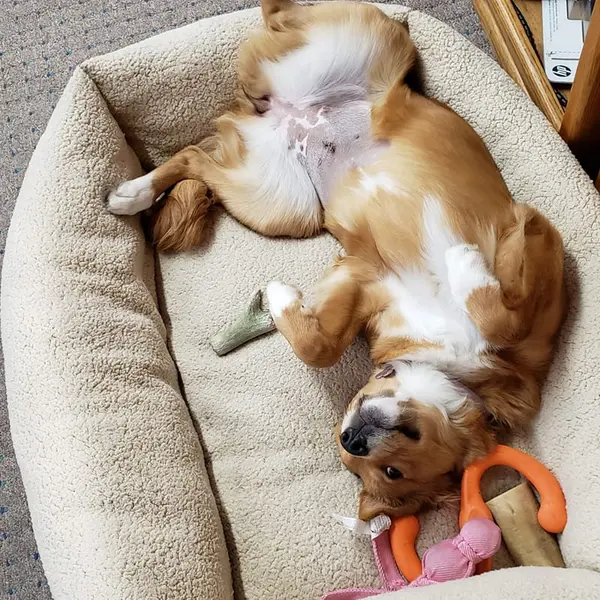
Chief of Security
Client stories
Our best measure of success is whether clients feel supported, informed, and confident calling us again.
“They do excellent work, at fair prices and they are always happy to answer questions over the phone.”
“I can count on help. Fabulous.”
“Did a great job for me when other computer repair companies said they couldn’t do it.”
MBT Links
Authorized Mainbrace users can sign in with their assigned WordPress account.
Start a conversation